

Build the URL
Each Link UI app has anappId. Create one in the dashboard under Link UI, which also shows the app’s URL.
Live links only work once your account is enabled for live. An out-of-range value in any parameter makes Link UI ignore all of them, including
sandbox, so validate them before you build the URL. Customization covers the parameters that shape the flow.
What the end user does
1
Pick a device type
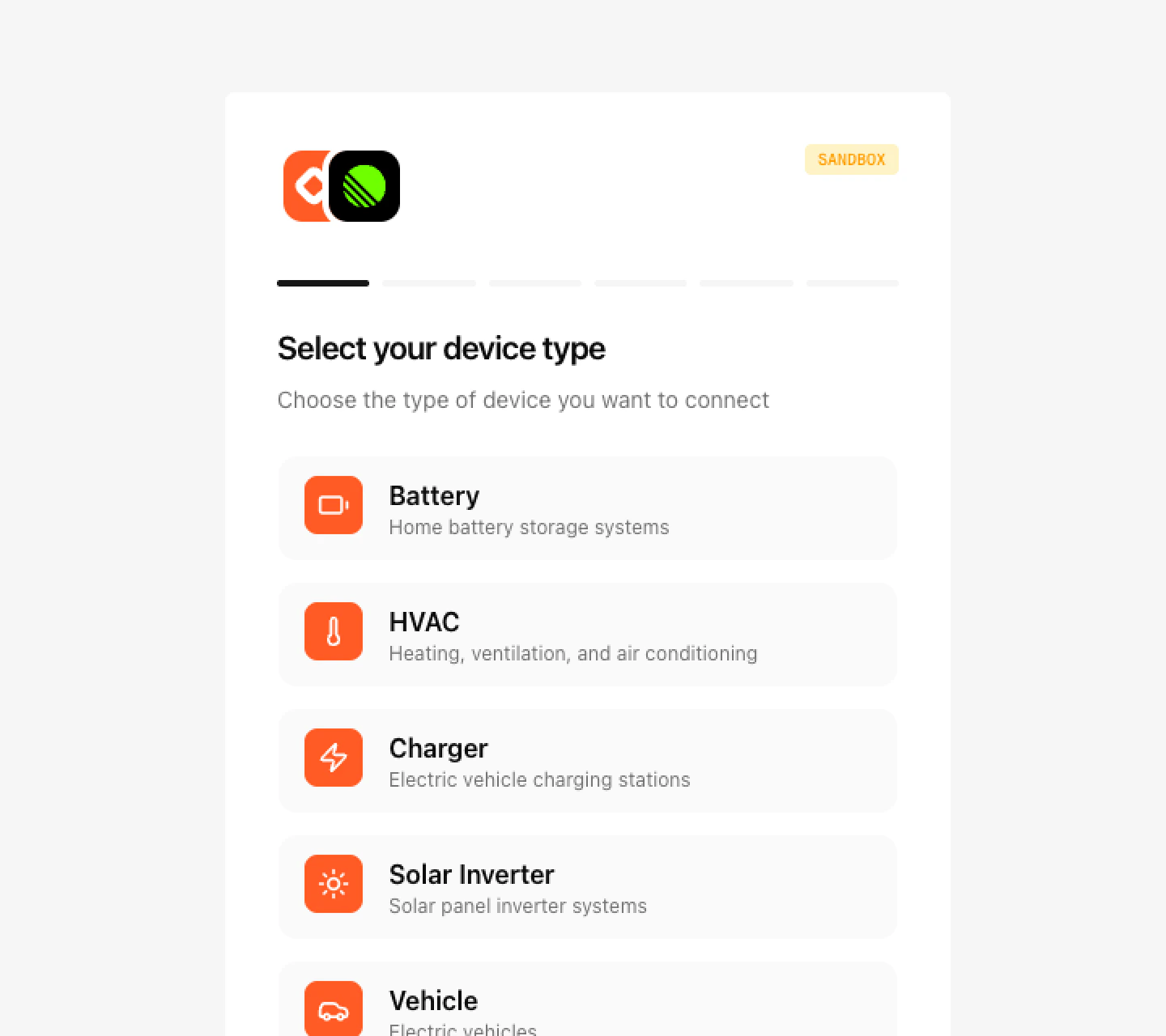
2
Pick a manufacturer
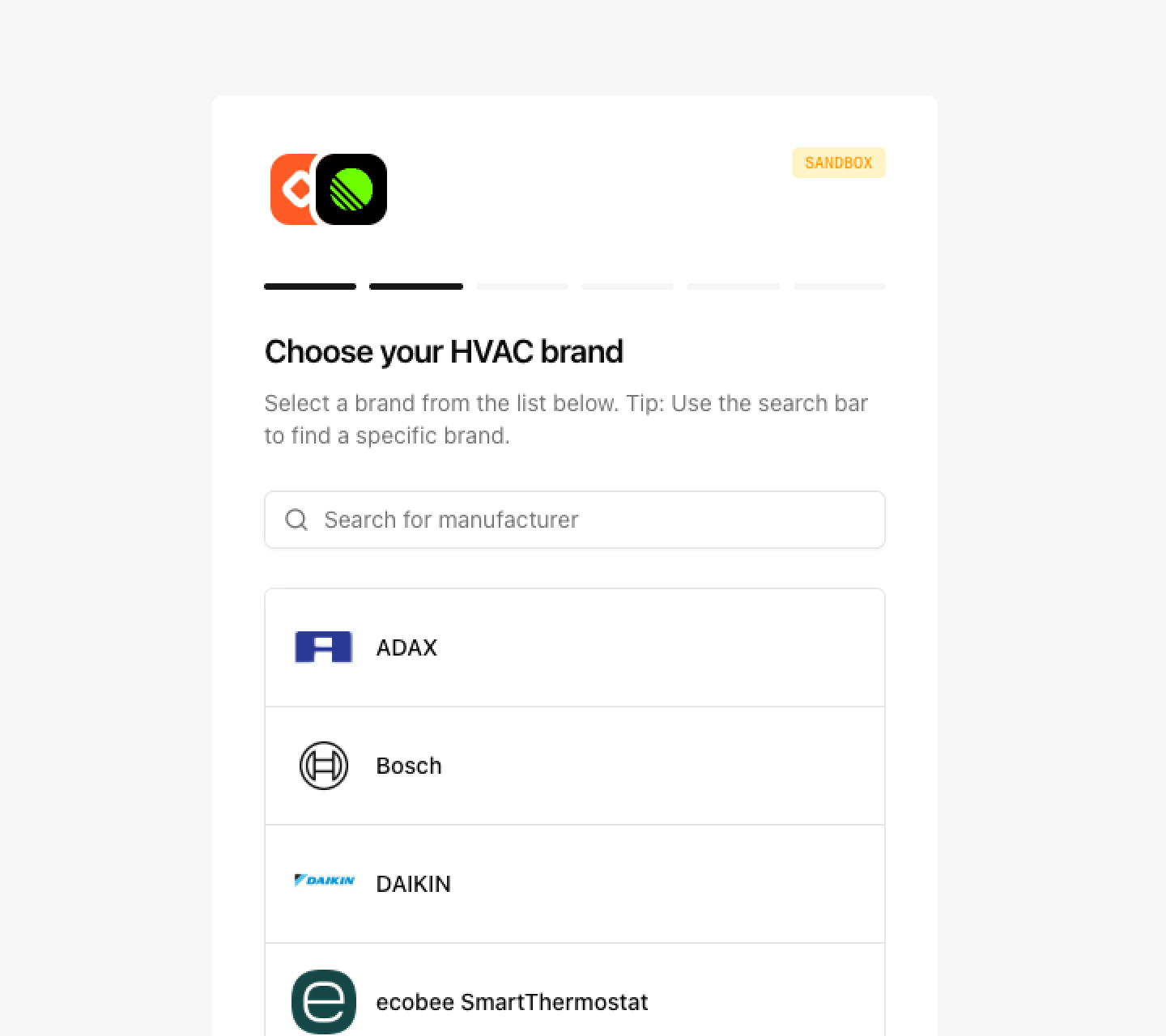
3
Agree to share their devices
4
Sign in to the manufacturer
On Link UI, on the manufacturer’s own page, or by entering details printed on the device. Completes MFA if asked. Link UI fills in the device’s time zone from the browser, and the user can correct it.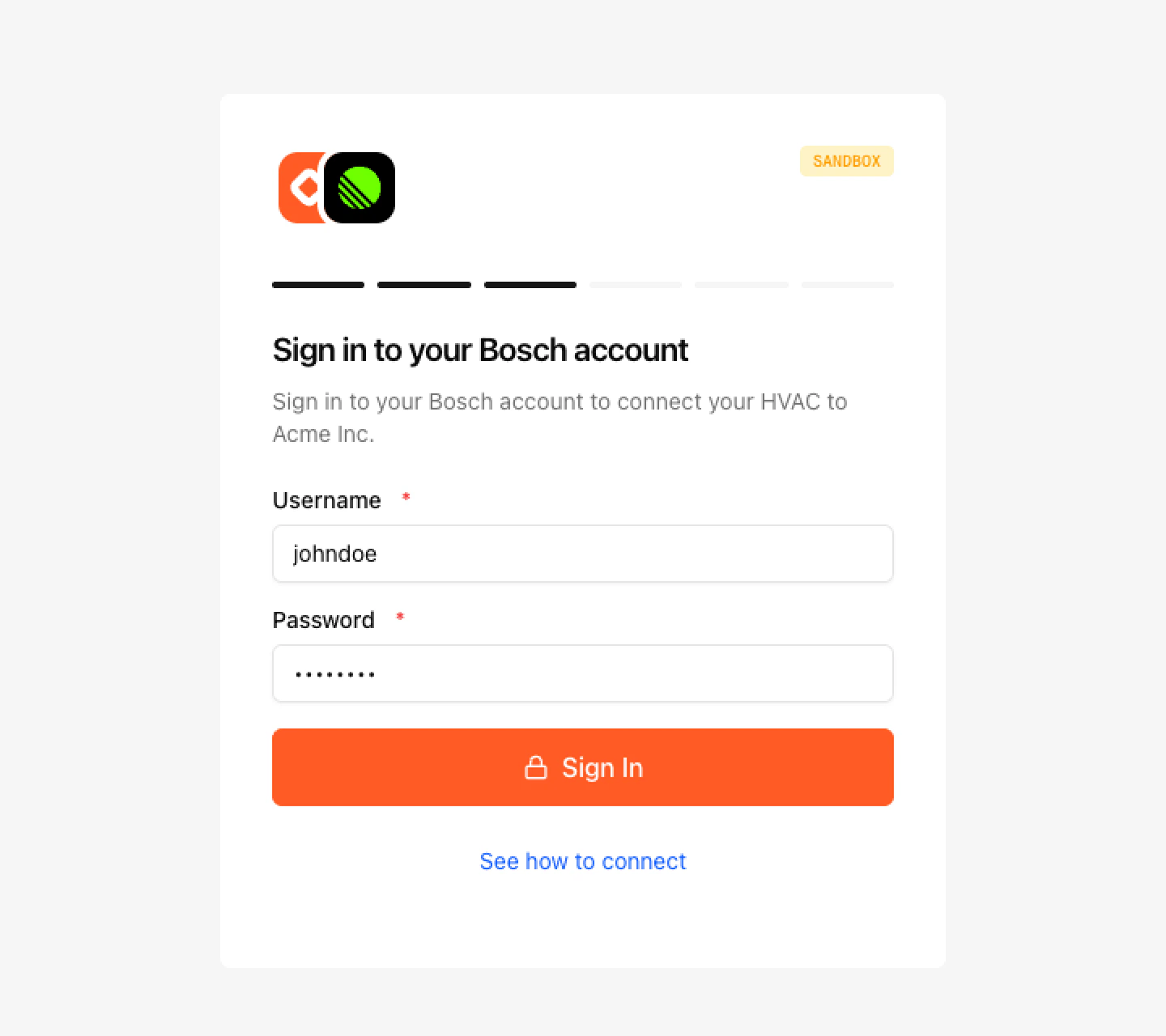
5
Select the devices to link
6
Return to your app
Clicking Return to sends them to your app’s redirect URL.
device.connected webhook, or list the user’s devices.
Find a user’s devices
TheexternalUserRef you passed is the user’s userId in the API. Filter any device list by it.
externalUserRef, Link UI generates a random ID that you have no way to read back. Always pass your own.
Sandbox
Create the app with the dashboard switched to sandbox. Its URL includessandbox=true. For manufacturers that use a username and password or an API key, any value is accepted and the account has two devices. Manufacturers that sign in on their own page approve automatically. To test failures, enter a value starting with error, or the MFA code 000000.
sk_test_ key.
Reconnect
When a manufacturer stops accepting a user’s credentials, you get adevice.disconnected webhook with a reconnectionUrl. Add externalUserRef with the user’s ID to that URL, then send the user there. They sign in again, their devices keep the same IDs, and you get device.reconnected.
Revoke consent
When a user disconnects in your app, revoke their consent. OmitdeviceIds to revoke every device the user linked.
403 CONSENT_REVOKED. A userId with no matching devices returns 404 NOT_FOUND. The user can grant access again by linking the device through Link UI with the same externalUserRef.
Next steps
Customization
Your name, logo, manufacturers, and flow options.
Webhooks
Get notified when devices connect or disconnect.
Pull
Read the state of a linked device.